How to Start a Startup: an editable workshop explainer
This startup explainer uses a kraft-paper and sticky-note workshop style. Its message is deliberately practical: begin with a problem people experience, build a small first solution, then launch and learn. The editable project lets you see how that sequence is staged, rather than asking you to infer it from a finished video.
Project at a glance
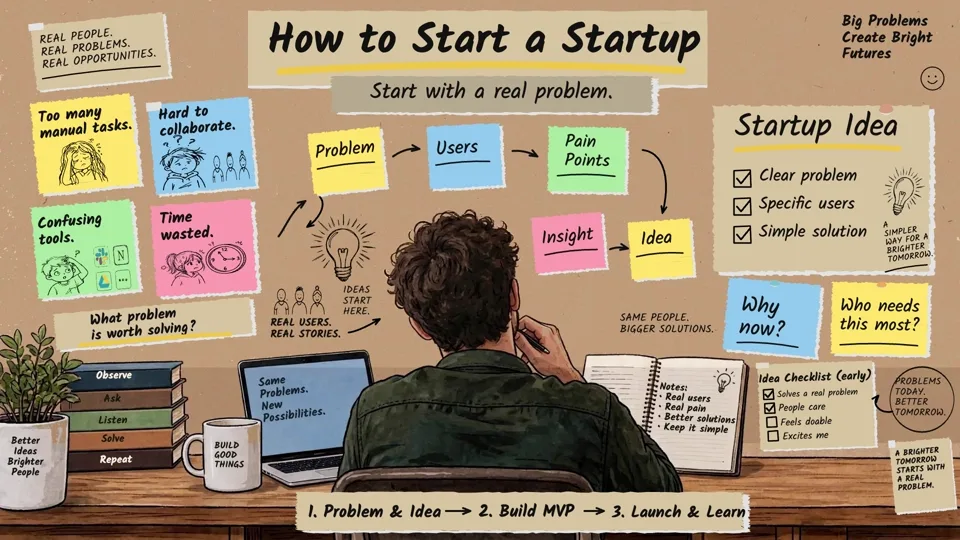
Kraft Workshop · Business
- Duration
- 2:50
- Scenes
- 3
- Objects
- 419
- Canvas
- 1920 × 1080, 30 authored fps
Techniques: Camera, Narration, Story Beats, Draw Animation, SVG, Smart Lines, Smart Arrows, Custom Background, Text Animation, Multi Scene.
Three stages, three scenes
Start with a Real Problem places the audience's pain points before the proposed product. Visible notes include manual tasks, collaboration friction, confusing tools, and time lost. This scene is a useful example of making a cluster of problems readable without turning it into one dense paragraph.
Build a Simple MVP asks who the core user is and what matters most. The scene moves from must-have features to a focused first version. The words “Simple,” “Clean,” “Focused,” and “Real value” give you an easy visual checkpoint while scrubbing the timeline: each term should support the minimum viable product idea, not compete with it.
Launch, Learn, Improve changes the question from “What should we make?” to “What do users tell us after release?” Its launch, feedback, and improvement labels make a useful final exercise in arranging several linked steps across a single scene.
What to inspect in Scribe Animator
Look at how the custom background and note-like blocks sustain one visual language while the story advances. In scene 1, compare the spacing and reveal timing of separate problem cards. In scene 2, pause when the MVP note is fully visible and inspect the text animation and camera framing. In scene 3, follow the progression from launch through feedback to improvement with the playhead; then compare it with the narration clips.
If you want to build a similar lesson, read scene structure and templates, backgrounds, Story Beats, timeline and motion, and voiceover sync.
Assets used in this project
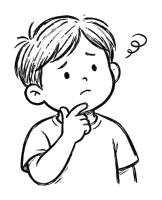
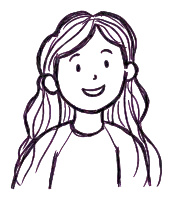
These 13 curated source visuals are useful for building your own scenes. The asset pack is separate from the complete editable .scribe project, which already contains the animation, objects, audio, and timing.


Download source assets (.zip) 602 KB · JPG, SVG
Watch the finished video and open the source
The Watch finished video action above opens the official How to Start a Startup: From Problem to Launch video. Open editable project takes you to the matching Scribe gallery card; the project is loaded only after you choose Open Project and confirm workspace replacement if needed. Your edits can be saved as your own project without changing the public example.
Browse the other styles in Example Projects.